
During the Unify event last week, the Connectivity Standards Alliance (CSA) announced the Matter 1.6 standard for smart home devices. Samsung is a part of the CSA group, and SmartThings, Samsung's smart home platform, already supports Matter 1.5. SmartThings could soon integrate Matter 1.6 as well.
The new standard brings easier device setup, improved multi-ecosystem device sharing and control, smarter climate management, enhanced security, and more.
Let’s take a look at the new features and improvements introduced with Matter 1.6.
Matter 1.6 brings two-way NFC setup, better multi-platform operation, smarter climate control, and tighter security
NFC-based smart home device setup
Matter 1.6 introduces two-way NFC-based device commissioning. Previously, setting up a Matter-compatible device such as a smart bulb still required Bluetooth LE to complete the setup process, even if the process started with an NFC tap. Now, both the initial setup and the remaining configuration steps can be completed using NFC alone.
This means you can simply hold your phone near a device to begin setup. You can even configure a smart bulb before installing it in a light fixture, making setup easier when the fixture is mounted high on a ceiling. Bulk installations of devices such as smart lights and smart switches also become more convenient.
Even if you do not have a Thread Border Router (like a SmartThings Hub inside a Samsung TV) in your home, you can still set up a Matter device using a smartphone equipped with a Thread radio. This feature, called Thread Direct, is designed to simplify onboarding for new users.
Joint Fabric makes multi-platform smart homes easier to manage
After introducing the Enhanced Multi-Admin feature with Matter 1.4, which allowed multiple smart home platforms to control the same device, the CSA has taken the concept further with Matter 1.6.
Joint Fabric allows multiple smart home controllers to co-administer a single shared Matter network. As a result, Matter-compatible devices can be controlled through any compatible smart home platform or app, regardless of which platform was originally used to set them up.
For example, if you set up an air conditioner using Google Home, you can still control it through SmartThings as long as all Matter controllers are connected to the same Thread network.
Smarter climate control
Matter 1.6 standardizes how smart home ecosystems communicate climate-control recommendations. Instead of instructing devices such as air conditioners to switch to a specific temperature or fan speed, ecosystems can suggest changes while allowing the device to determine the best time to apply them.
For example, if you are participating in a utility demand-response program and another app requests a temperature change, the air conditioner can postpone that adjustment until the event has ended. However, if you manually change the thermostat setting, the system recognizes that action as a higher-priority request and applies it immediately.
Improved privacy and security
Matter 1.6 introduces standardized sensor event history tracking for security devices such as intrusion sensors. It also improves the way compatible devices communicate their hardware capabilities and operational limitations.
The standard adds support for an “unmounted†status for smoke alarms and carbon monoxide alarms, allowing users to know when those devices have been detached from a ceiling or wall.
Matter 1.6 also introduces Product Security 1.1, which extends security coverage across the entire IoT ecosystem, including apps, devices, gateways, and cloud services. Earlier versions of Matter primarily focused on securing individual devices.
Thread Tools app helps identify issues in your smart home network
As smart homes continue to grow, managing devices across platforms such as Alexa, Google Home, and SmartThings can become increasingly complex. Connectivity issues can occur for a variety of reasons, and identifying the root cause is often difficult.
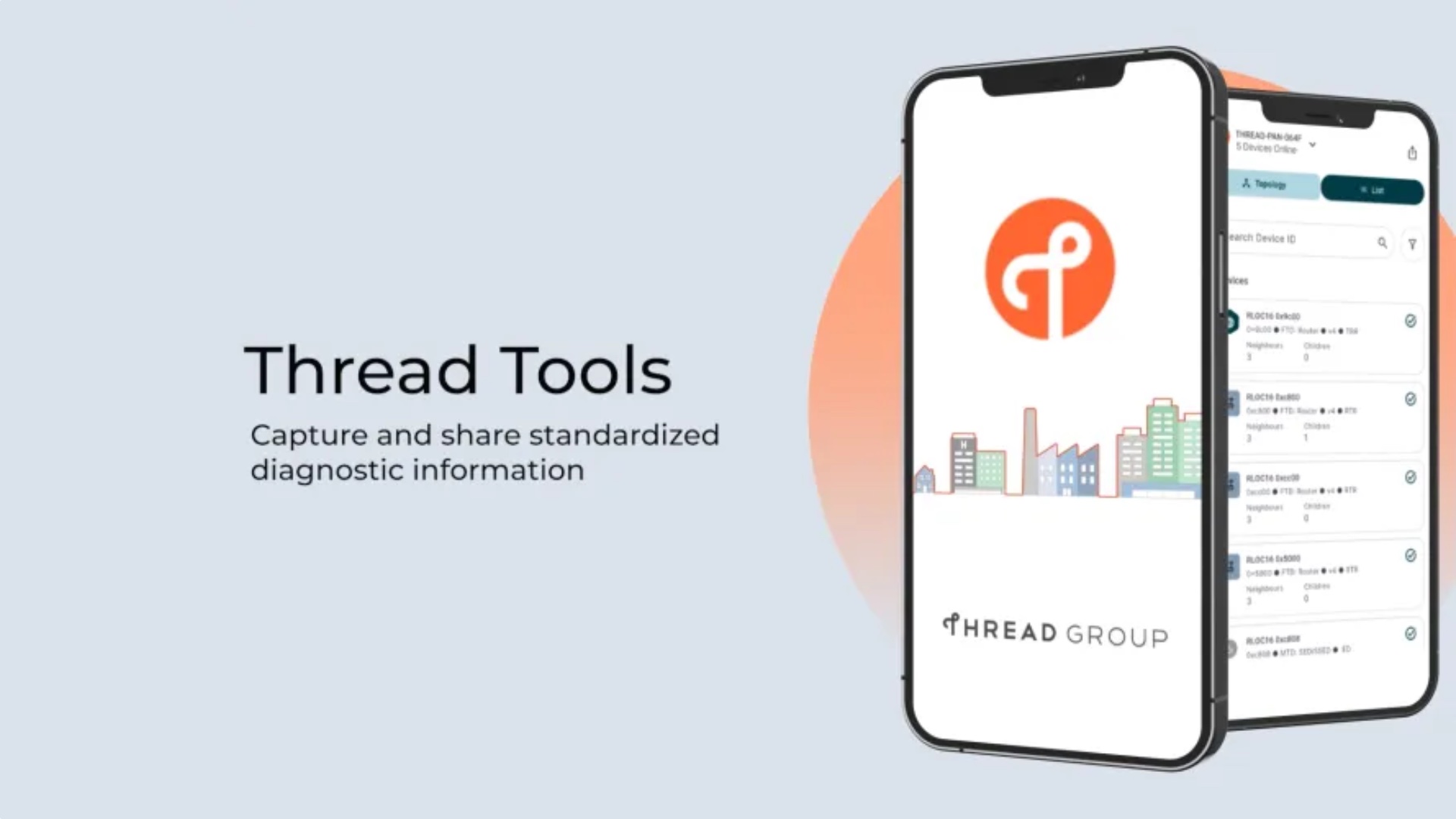
To address this challenge, the CSA has developed a new app called Thread Tools.

Now available in beta for Android and iOS, Thread Tools scans compatible devices, Thread Border Routers, hubs, and mesh extenders in your home and creates a visual map of the network. The app can help identify devices with connectivity problems, display signal strength information, and provide recommendations for resolving common issues.
The Thread Group has also signed a liaison agreement with the Broadband Forum. This collaboration is expected to improve compatibility between smart home networks and broadband routers, making device setup and management easier.


Post a Comment